In our daily lives, we interact with electric button switches constantly, from turning on lights to operating electronic devices. These seemingly simple components play a vital role in controlling the flow of electricity. This article dives deep into the world of electric button switches, exploring their types, applications, and underlying mechanisms, bridging the gap between everyday experiences and the technology that enables them. Let's unlock the secrets of these ubiquitous devices.
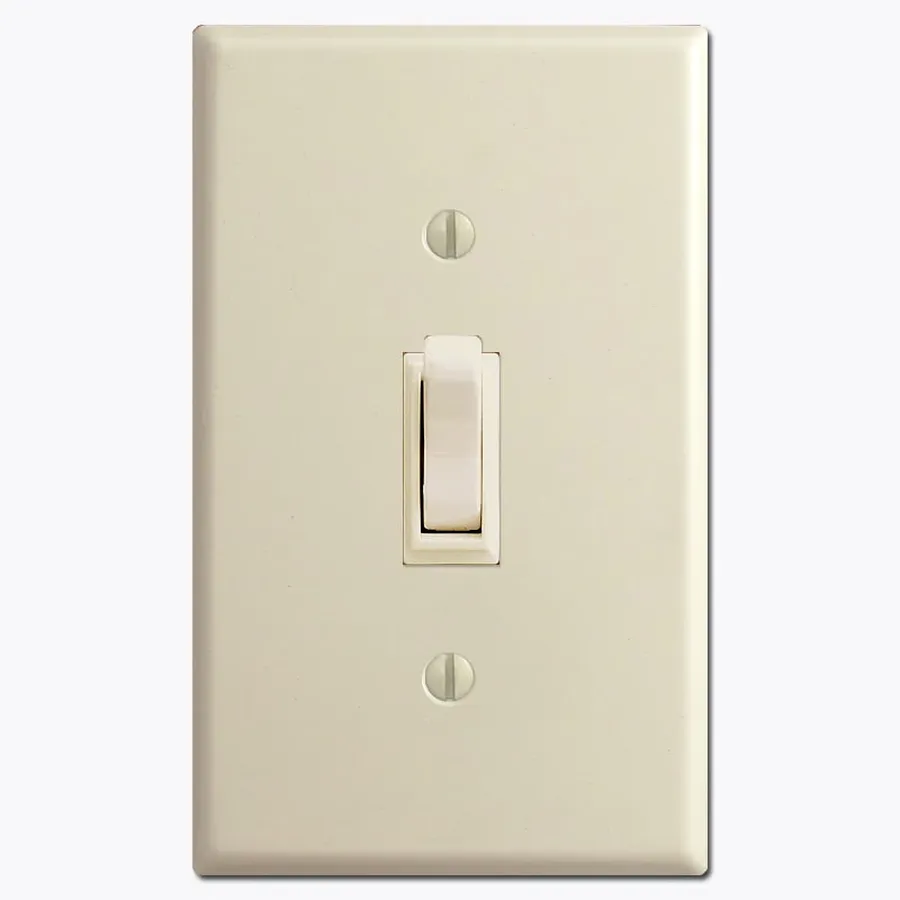
An electric button switch is a fundamental electromechanical device that controls the flow of electrical current within a circuit, typically activated by manual pressure. At its core, it serves as an interface, enabling users to initiate, interrupt, or divert electrical signals. The operational behavior of these switches falls into two primary categories: momentary and latching. A momentary switch completes a circuit only while the button is pressed, reverting to its original state when released, whereas a latching switch, also known as a push-on/push-off switch, maintains its state until pressed again.
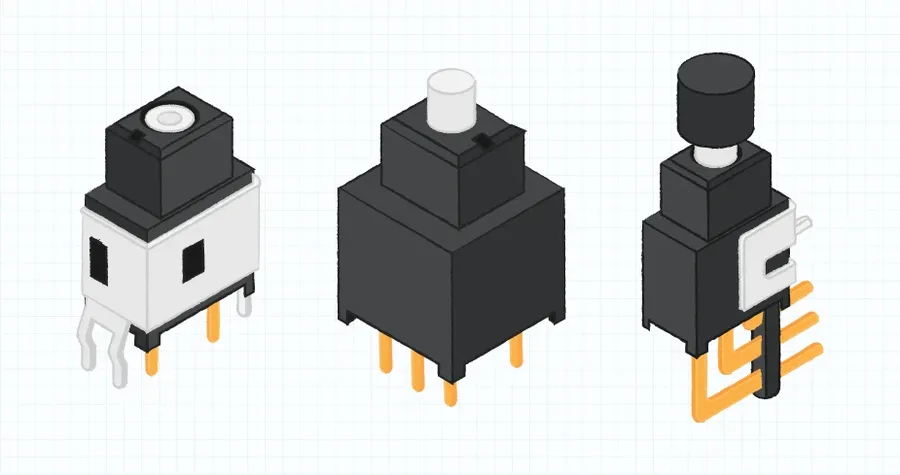
Electric button switches are essential components in numerous electrical and electronic systems, serving as a manual means to control the flow of electricity. These switches come in various configurations, each designed to meet specific operational requirements. The primary types include momentary, latching, push-on/push-off, single-pole single-throw (SPST), single-pole double-throw (SPDT), double-pole double-throw (DPDT), and illuminated switches.
| Switch Type | Description | Typical Application | Operation | Advantages | Disadvantages |
|---|---|---|---|---|---|
| Momentary | Contacts are only closed while the button is pressed. | Doorbell, keyboard keys, machine controls | Spring-loaded; returns to original position upon release. | Simple, reliable, low cost | Requires continuous pressure |
| Latching | Contacts remain closed after the button is pressed, requiring a second press to open. | Power switches, circuit breakers | Mechanical lock engages; maintains state until reset. | Maintains state without continuous pressure | Requires explicit action to change states |
| Push-on/Push-off | Each press of the button alternates the state of the contacts. | Electronic device power buttons, light switches | Ratchet mechanism toggles the contacts between states. | Simple state toggling, single button control | Requires specific mechanism, slightly more complex than momentary |
| Single-Pole Single-Throw (SPST) | Controls a single circuit with a single connection; it can either be open or closed. | Basic on/off switches for simple devices | Single input and single output with a mechanical switch. | Simple, inexpensive, easy to implement | Limited functionality, only on/off control |
| Single-Pole Double-Throw (SPDT) | Controls a single circuit by connecting one input to either one of two outputs. | Selector switches, signal routing | Single input, dual output selection using a mechanical switch. | Versatile, simple toggling | Limited to single pole control |
| Double-Pole Double-Throw (DPDT) | Controls two separate circuits, simultaneously connecting two inputs to two sets of outputs. | More complex control and switching applications | Dual inputs, dual outputs with a linked mechanical switch. | Offers advanced dual circuit control | More complex wiring |
| Illuminated | Includes an LED to indicate switch status. | Control panels, dashboards, appliances | Includes a built-in LED powered through the switch or an external source. | Clear visual indication of status, helpful in low-light conditions | Slightly more complex to wire, higher power consumption |
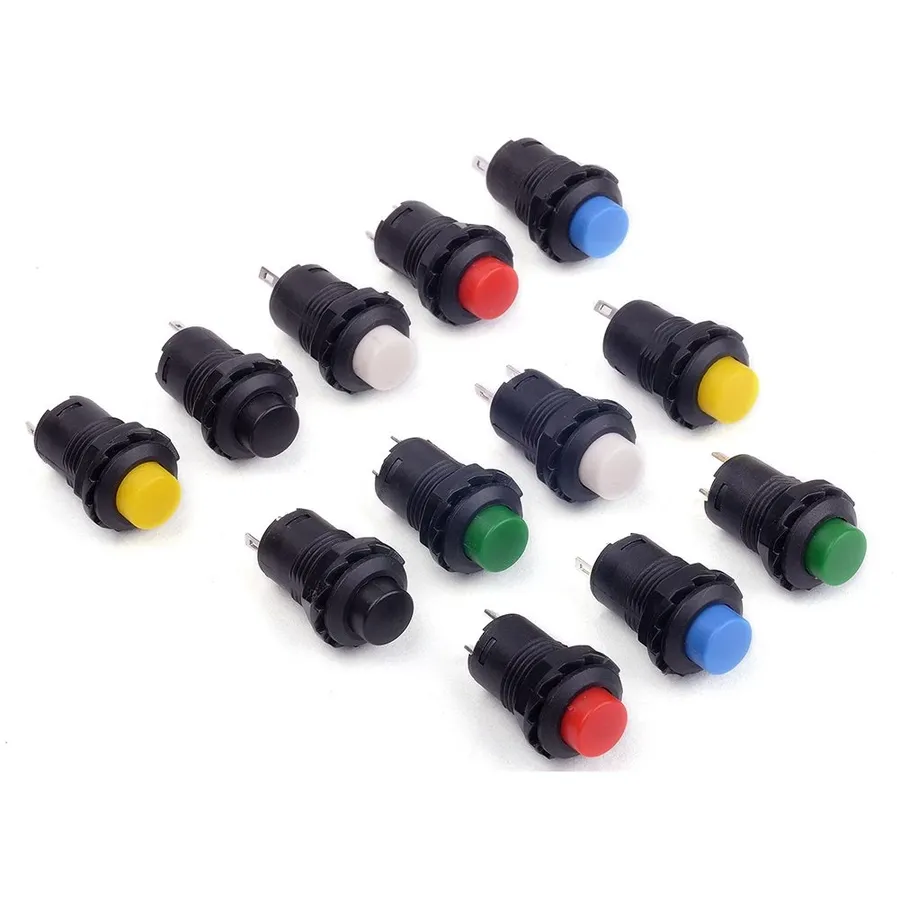
Electric button switches are broadly classified into two main categories based on their operational behavior: momentary and latching. Understanding the fundamental difference between these switch types is crucial for selecting the appropriate switch for a given application. The key distinction lies in how they maintain their on/off state.
| Feature | Momentary Switch | Latching Switch |
|---|---|---|
| Activation | Requires continuous pressure to maintain the ON state. Returns to OFF when released. | Requires a single press to change state (ON or OFF). Maintains state until pressed again. |
| State Retention | Does not retain state without continuous activation. | Retains its state (ON or OFF) after activation. |
| Common Use Cases | Doorbell buttons, keyboards, remote controls, and applications where a temporary action is required. | Power buttons on electronic devices, light switches (push-on/push-off types), circuit breakers, applications requiring persistent state changes. |
| Internal Mechanism | Simple spring-loaded contact mechanism. | More complex mechanism to maintain the state with a locking action or similar. |
| Circuit Behaviour | The circuit is only closed (or opened) while the button is pressed. | The circuit is closed or opened and remains in that state until another press. |
In essence, a momentary switch acts like a spring-loaded gate; it only allows current to flow when physically pressed and returns to its default state when released. Latching switches, on the other hand, function more like a toggle; they switch between two distinct states and hold that state until activated again. The practical implications of these differences significantly influence their respective application scenarios.
For example, a doorbell button is a classic use case for a momentary switch, as it only needs to complete the electrical circuit while pressed to trigger the bell. Whereas, the power button on your computer is a latching switch; it toggles between the ON and OFF states with each press.
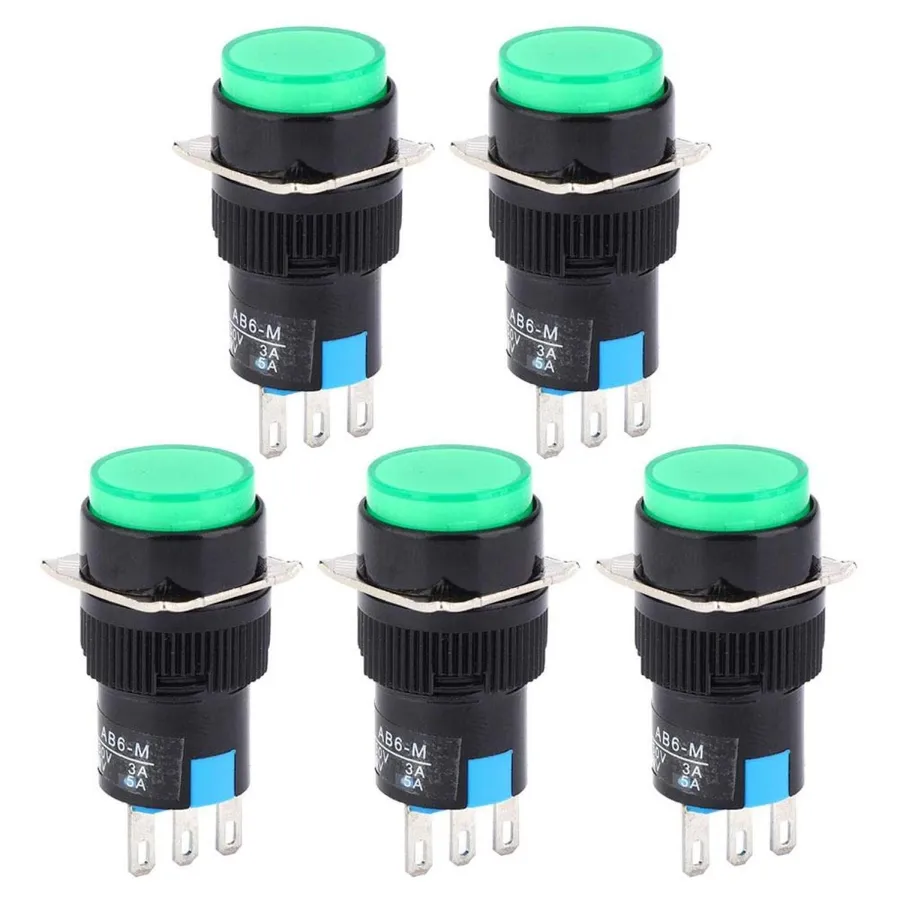
Electric button switches are ubiquitous components that enable user interaction across diverse sectors, facilitating control in everything from simple household devices to complex industrial machinery. Their versatility stems from varied designs that cater to specific operational needs within these applications.
Below are some key application areas.
| Application Area | Specific Uses | Switch Type Considerations |
|---|---|---|
| Household Appliances | Microwave start buttons, washing machine mode selectors, coffee maker on/off switches | Often requires a lower current rating, basic latching or momentary designs. |
| Industrial Equipment | Emergency stops, start/stop controls, machine function activation | Needs rugged, high current/voltage capacity, potentially waterproof/dustproof. |
| Automotive Systems | Ignition, power window control, hazard light switch | Demands high reliability and durability, sometimes illuminated or tactile switches. |
| Consumer Electronics | Power buttons, menu navigation, volume control | Smaller form factor, low-profile, often integrates with complex electronics. |
| Control Panels | System activation, process initiation, safety stop buttons | Illuminated buttons, various mounting styles, specific circuit requirements. |
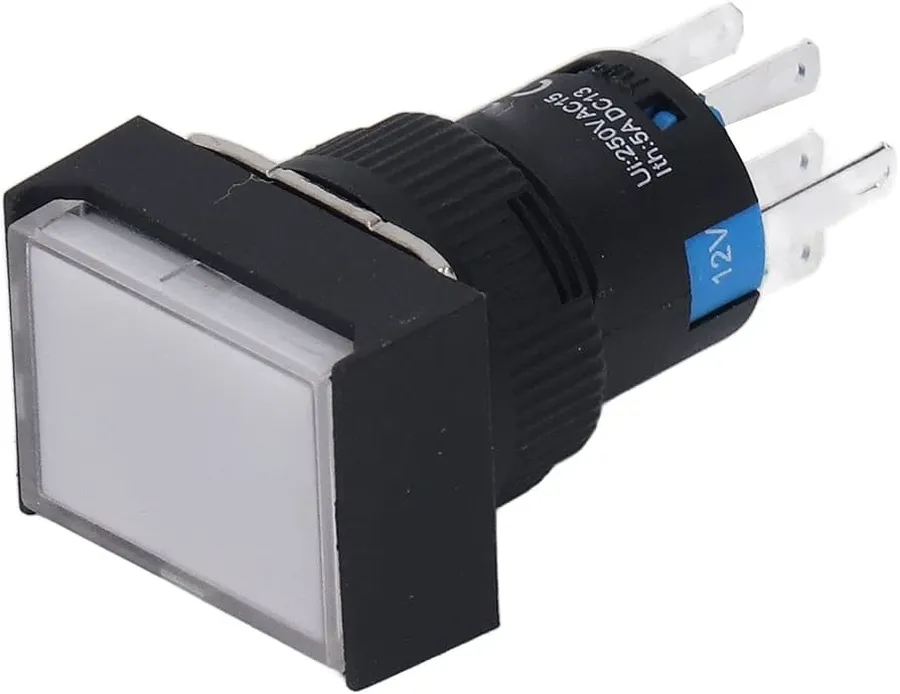
Electric button switches, regardless of their specific type, operate on the principle of completing or interrupting an electrical circuit via mechanical action. The internal mechanisms facilitate this through the interaction of several key components: contacts, springs, and the button actuator itself. Understanding these components is crucial to comprehending the overall function of the switch.
At the heart of a button switch lies the contact mechanism. Typically composed of conductive metal, these contacts either touch to allow current flow or separate to halt it. The precise design and material of the contacts influence the switch's performance characteristics such as current-carrying capacity and contact resistance. The physical action of the switch being pressed (or released) is facilitated by spring mechanisms. Springs exert a specific force and provide a necessary tactile response, which makes the use of the button feel reliable.
Here is a breakdown of the critical components:
Choosing the correct electric button switch is critical for ensuring the reliable and safe operation of any electrical system. This section outlines the key parameters to consider when selecting a switch, focusing on electrical specifications, physical attributes, and environmental suitability.
| Factor | Description | Considerations |
|---|---|---|
| Current Rating | The maximum current the switch can handle without damage. | Ensure the switch rating exceeds the circuit's maximum current. Choose a higher rating for safety margin and longevity. Consider both steady-state and inrush currents. |
| Voltage Rating | The maximum voltage the switch can safely withstand. | The switch's voltage rating must equal or exceed the circuit's voltage. Consider AC and DC voltage specifics. Ensure the switch meets the peak voltage requirements. |
| Mounting Style | How the switch is physically attached to the device or panel. | Panel mount, PCB mount, surface mount, etc. Select based on the application. Consider ease of installation and mechanical stability. |
| Environmental Conditions | The temperature, humidity, and other environmental factors the switch will be exposed to. | Ingress Protection (IP) rating for dust and water resistance. Temperature rating for operating and storage conditions. Resistance to corrosion and chemical exposure. UV exposure. |
| Functionality | The specific action the switch needs to perform. | Momentary or latching action. Normally open or normally closed contacts. Number of poles and throws required (SPST, SPDT, DPDT). Illumination requirements. Consider ergonomic factors like button size and travel distance. |
| Material and Durability | The materials the switch is made of, and its robustness. | Consider the lifespan of the switch, materials impact durability and resilience. Choose switches with high mechanical cycle endurance. |
| Agency Approvals | The certifications the switch has obtained. | UL, CE, CSA, or other relevant certifications. Compliance with industry standards. Agency approvals ensure safety and reliability. |
Proper wiring of electric button switches is crucial for safe and effective operation of any electrical system. This section provides a practical, step-by-step guide to wiring different types of electric button switches, emphasizing correct polarity, secure connections, and adherence to safety protocols. Understanding the basics and nuances is essential to ensure your switches function correctly and safely.
Different configurations might call for more complex wiring, such as using relays or multiple switches. Always refer to specific diagrams for your particular application. Understanding the correct method ensures both a functional and safe system.
| Switch Type | Wiring Diagram Description | Application Example |
|---|---|---|
| SPST Momentary | Power input to one terminal, output to load. Circuit closes when button pressed. | Doorbell, keyboard key |
| SPDT | COM terminal connected to power source. NO and NC terminals to different loads. Switches which load is powered. | Two-speed fan control, selection circuit |
| Latching Push-On/Push-Off | Power input to one terminal, output to load. Alternates on/off each press. | Power switch for devices, light switch |
It's important to remember that precise wiring requirements can vary significantly depending on the specifications of the electric button switch. It's essential to always refer to the manufacturer's documentation and to consult with a qualified electrician when necessary to ensure safe and reliable operation.
This section addresses common inquiries regarding electric button switches, providing concise and authoritative answers to ensure a comprehensive understanding of their operation and application.
The landscape of electric button switch technology is undergoing a significant transformation, driven by advancements in materials science, microelectronics, and user interface design. These emerging trends are not only enhancing the functionality and reliability of button switches but also expanding their applications across various industries.
Electric button switches are the unsung heroes of our modern world, quietly enabling countless functions across diverse applications. From the simplest on/off switch in your home to complex control systems in factories, their impact is undeniable. Understanding their various types, functionalities, and proper usage ensures safe, reliable, and efficient operation. As technology advances, the future of electric button switches promises even more innovative designs, offering more refined control and seamless interaction in our increasingly connected environment. The humble electric button switch remains at the heart of our technological progress.

